
⭐ Rated 4.9/5 by 500+ learners and parents in India
Build Arduino Projects at Home
No experience needed.
₹1999 ₹3999
Complete kit + 10 projects + training + support
Order Full Kit📦 All-Inclusive Package: No extra components or software to buy.
- 10 projects, one by one
- Full kit in the box
For kids, teachers, parents, and adult beginners.
WhatsApp if stuck · starts from zero to advanced · pay once
“My Class 7 son finished his first light project in a week.” — Anjali M., Pune
One-time payment · Secure checkout via Razorpay
Kit + App + 10 Projects + Training — all-inclusive package
₹1999 covers all of this for 45 days.
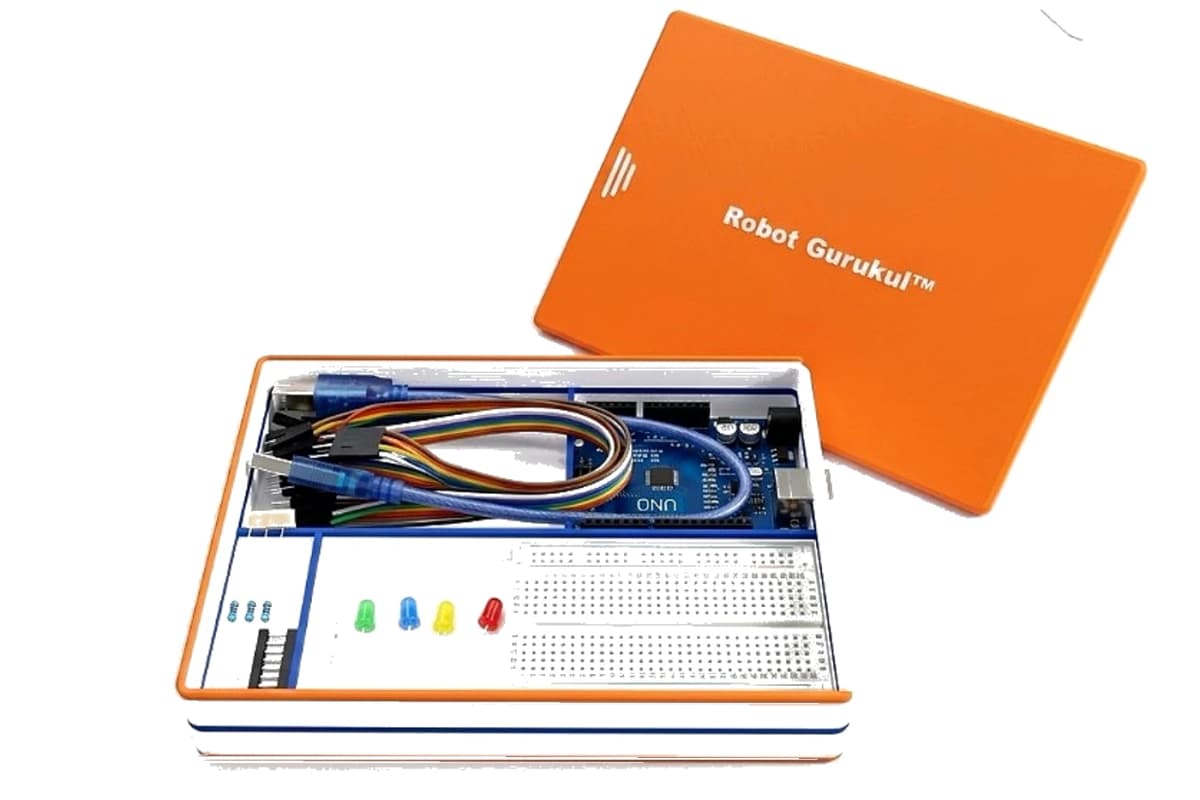
Full kit comes home in the box
- 1
Kit comes home
We send a ready box — board, lights, tray, and wires. No extra shopping.
- 2
Open the app
Guided levels — finish one project, then the next. The app explains every step.
- 3
Make 10 projects
First a light glows. Then the next project. Slow and clear — guided every step.
Full kit in box
Lights, board, wires, organiser tray — no extra shopping for these 10 projects.
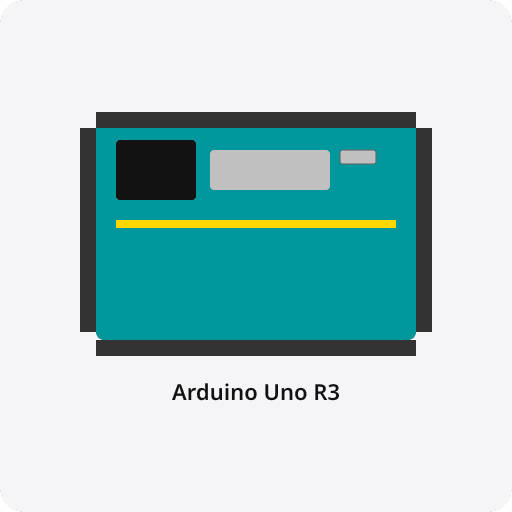
Arduino Uno R3
×1
USB cable
×1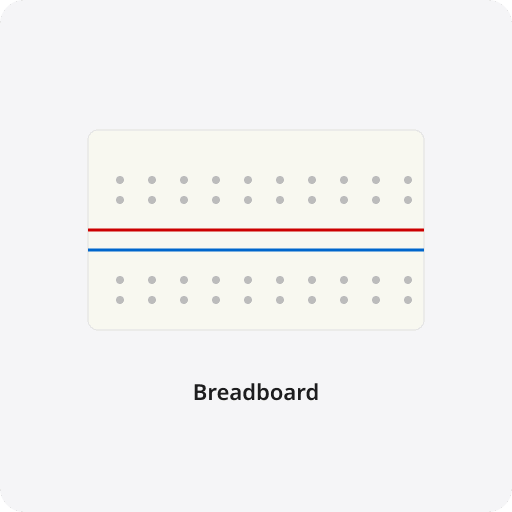
Breadboard
×1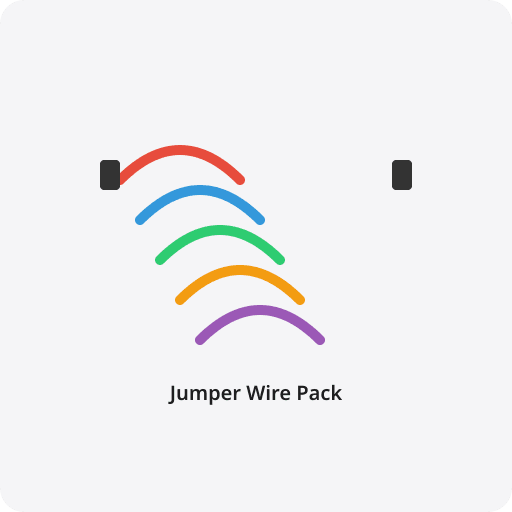
Jumper wire pack
×1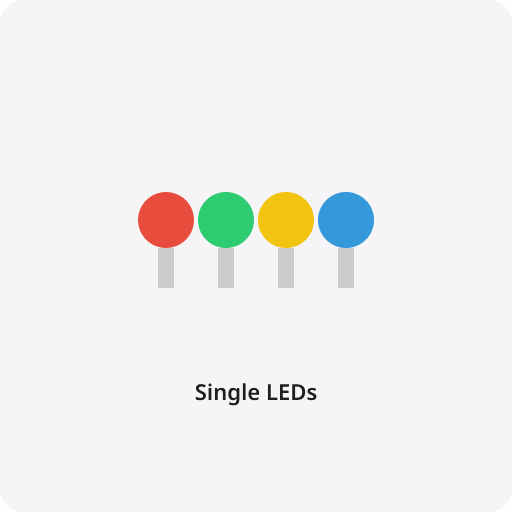
Single LEDs
×4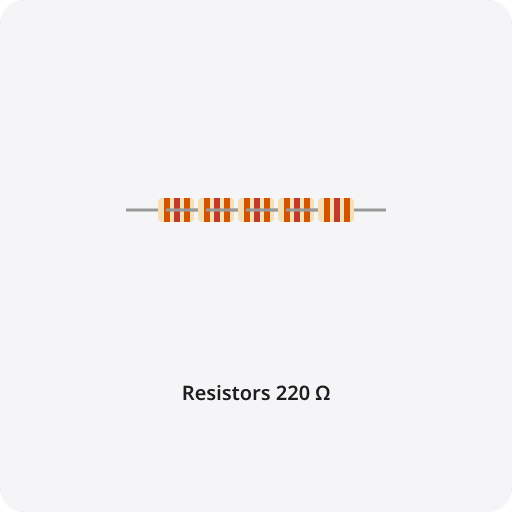
Resistors 220 Ω
×4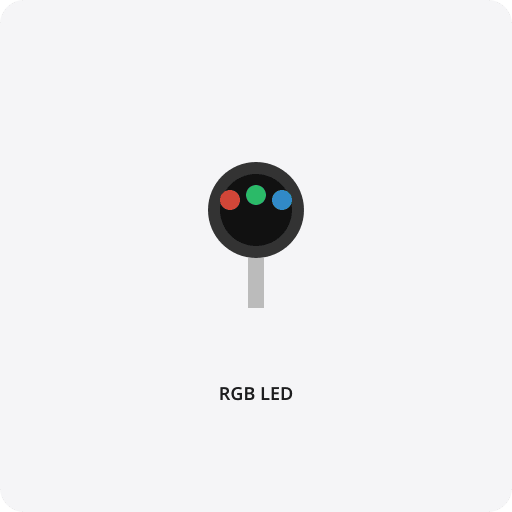
RGB LED (common cathode)
×1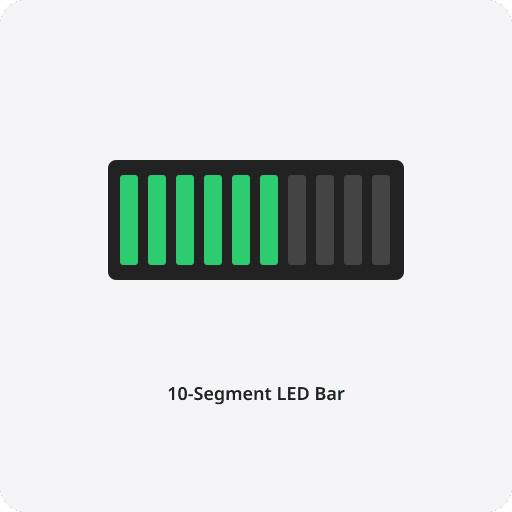
10-segment LED bar graph
×1App is included. Works on computer at home.
10 projects, one by one
First a light glows. Then the next project. Slow and clear — step by step.
 1
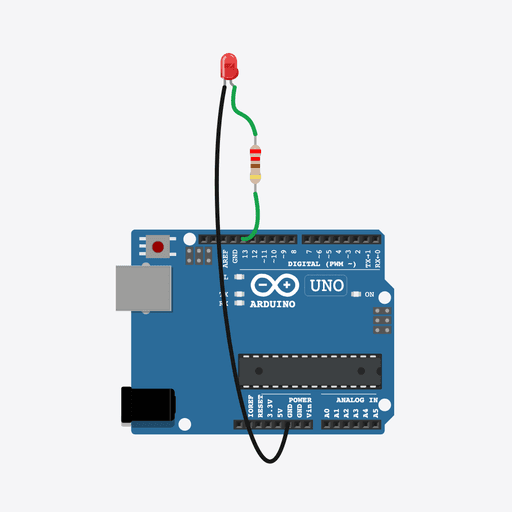
1Blink LED
First light glows
 2
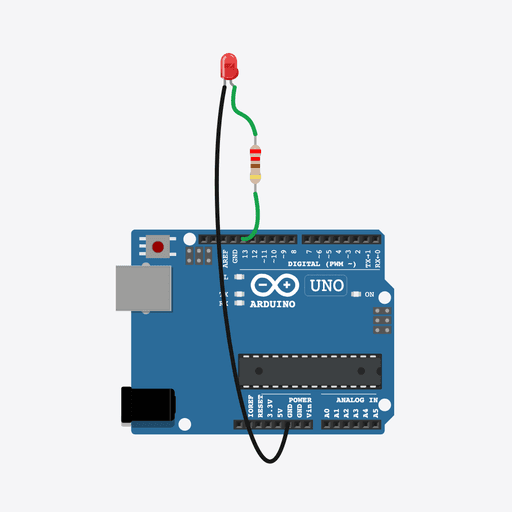
2Fast & Slow Blink
Fast and slow blink
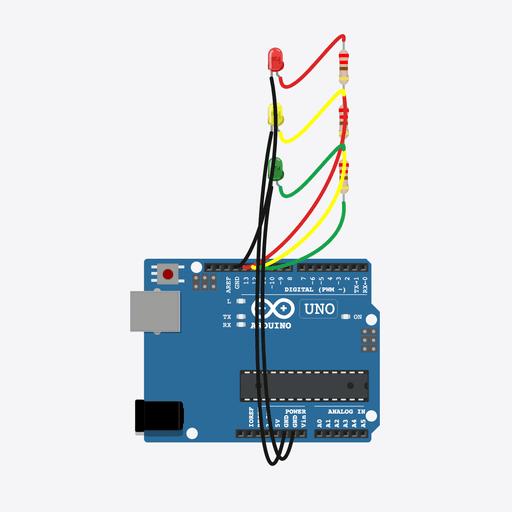 3
3Traffic Light
Like a road signal
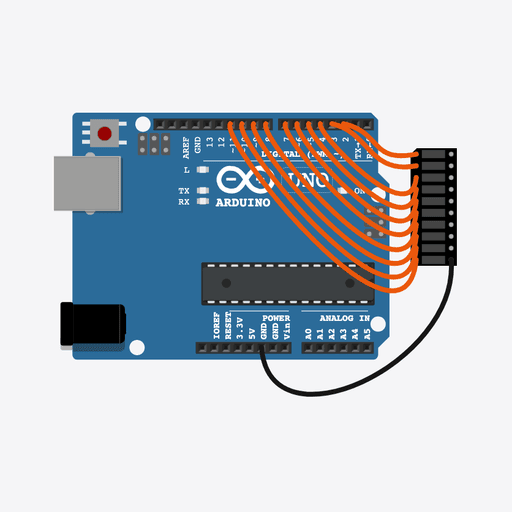 4
4LED Chaser
Lights run in a line
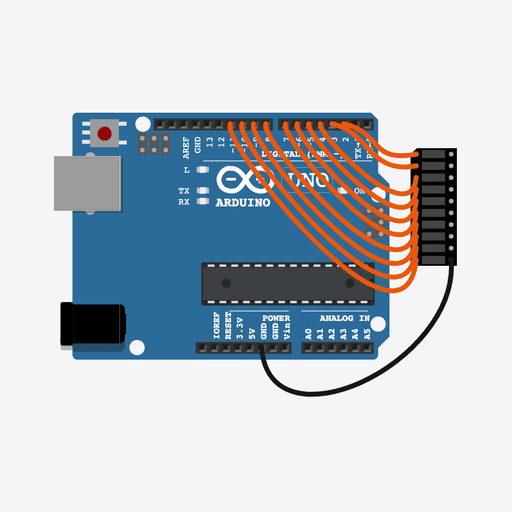 5
5Multiple LED Patterns
Make your own pattern
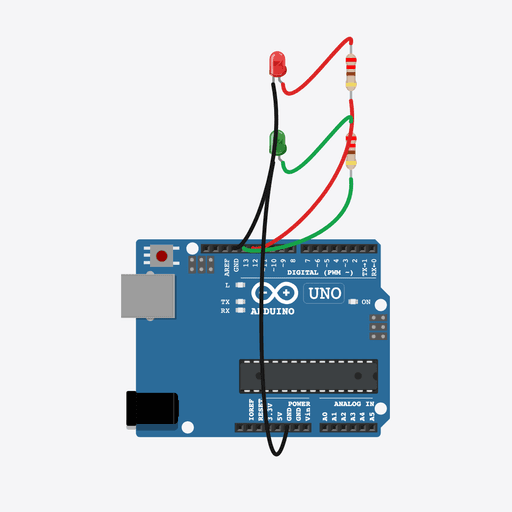 6
6Alternate LEDs
Two sides, one by one
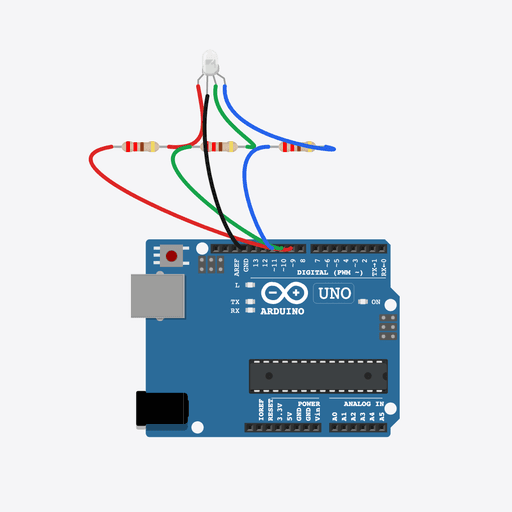 7
7RGB LED Basics
Any colour you want
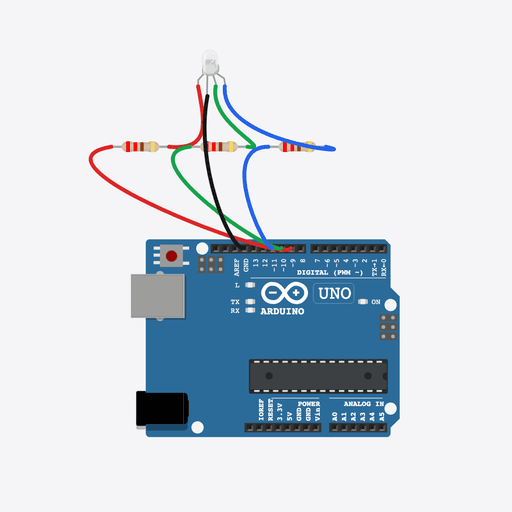 8
8RGB Color Mixer
Mix colours
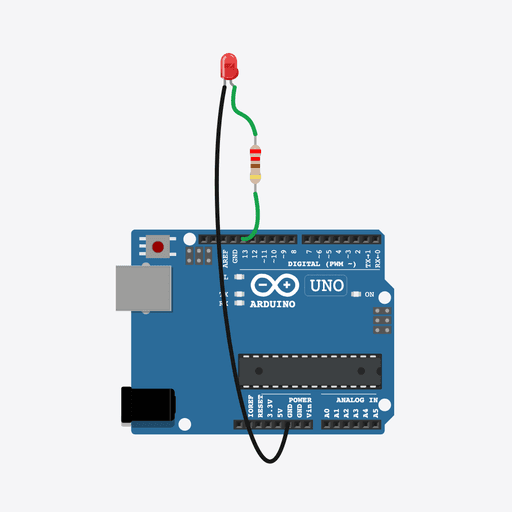 9
9Electronic Candle
A light like a diya
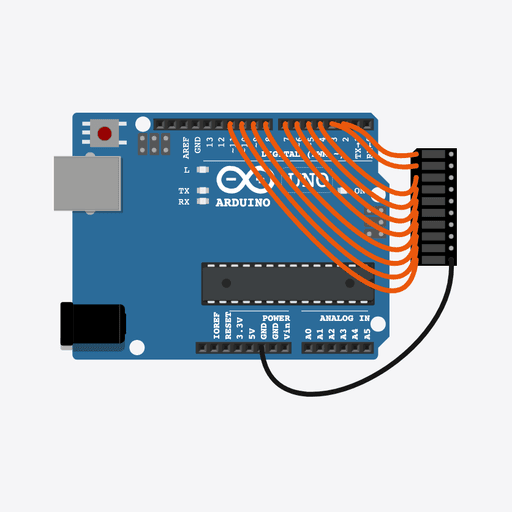 10
10Mini Light Show
A small light show
Learners already tried
Same doubt you have. They picked this over hours of YouTube.
I made this simple

Ravindra Maurya
Founder of Robot Gurukul™
“I made Robot Gurukul™ so a child at home can make real projects — without YouTube confusion.”
Hi, I am Ravindra Maurya.
If you get stuck, WhatsApp me. We also do a video call. The kit comes packed and ready for home.
LinkedInRobot Gurukul™ is operated by H5 Global Solutions Private Limited · MSME registered
Common questions
Do I need coding or computer knowledge?+
No. The app starts from zero and shows every step. Kids, parents, teachers, and adult beginners can follow along.
Who is this for?+
Great for kids around 10+, parents learning with them, teachers, and adults starting Arduino from scratch. Younger kids can do it with a little help at home.
What comes in the box?+
A full kit: board, lights, wires, organiser tray, USB cable, and the guided app. Box usually reaches home in 5–8 days. No extra shopping for these 10 projects.
What if we get stuck?+
Message us on WhatsApp any time. Need a class? We also do a video call. We help for 45 days from the day you start.
Is there a monthly fee?+
No. ₹1999 once includes the kit and 45 days of training for all 10 projects (or ₹199 now and the rest when the box comes). Not every month.
Ready for the full kit?
Launch price
Order Full Kit · ₹1999Pay ₹199 now and the balance of ₹1,800 only upon doorstep delivery. 🚚 Free Shipping.
🔒 One-time payment · Secure checkout via Razorpay
₹1999 ₹3999
Full kit · Free shipping